Search for Events
Complete the following steps to search for events.
-
Start Your Search
From the Search screen, select the search bar at the top of the screen. Enter an event name, artist, or venue. Results appear as you type.
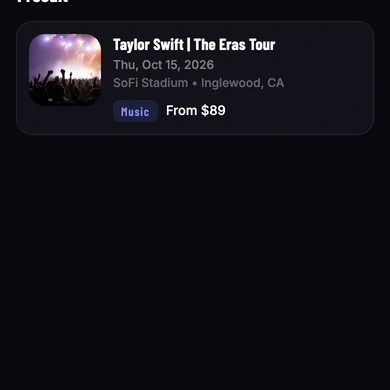
You can also browse events without searching. Use the Discover Events filters — Today, Tomorrow, This Weekend, or Recently Announced — to narrow events by date. Select a genre from Explore Event Genres to browse by category. See Navigate the App for more information about the Search screen.
-
Select an Event
Select an event from the results or browse list to open its detail page. The event detail page displays the event name, date, time, venue, and available ticket options.
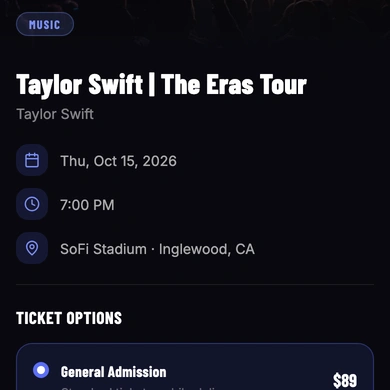
Two ticket types are available:
- Tickets — standard admission at face value price
- VENU Official Resale — verified fan-to-fan resale tickets, which may exceed face value
-
Buy Tickets
Select Buy Now to begin the ticket purchase. See Buy Tickets for more information.