Create an Account
Complete the following steps to create a VENU account.
-
Enter Your Information
From the landing screen, select Continue with Apple or Continue with Facebook to register using an existing account. Otherwise, select Sign Up with Email to register with your email address.
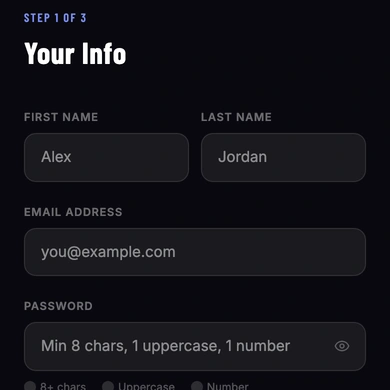
Enter your first name, last name, email address, and a password. The password must be at least 8 characters long and contain at least one uppercase letter and one number.
Select the checkbox to confirm that you may be required to show valid ID at venues and that you agree to VENU’s Terms of Use and Privacy Policy. Then select Create Account.
-
Verify Your Email
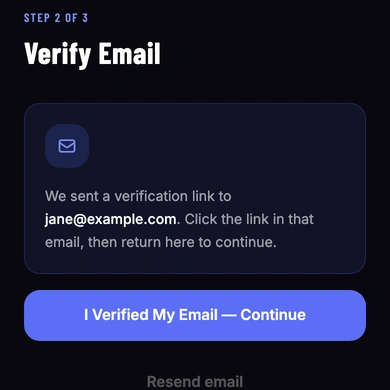
VENU sends a verification link to the email address you entered. Open your email inbox and select the link. After you have verified your email, return to the app and select I Verified My Email — Continue.
-
Verify Your Phone Number
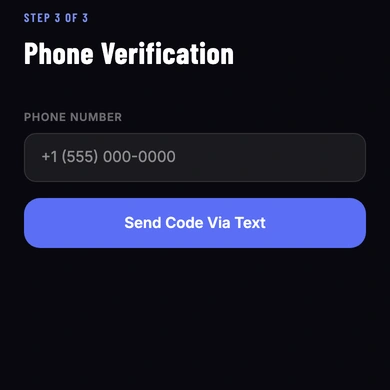
Enter your phone number, then select Send Code Via Text.
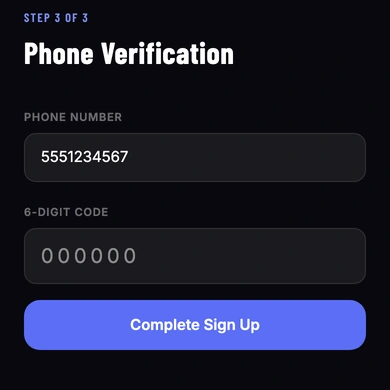
Enter the six-digit code sent to your phone number, then select Complete Sign Up.